

YouTube CTV Advertising in 2026: Two-Click Checkout, Google Pay, and What It Means for Attribution
YouTube connected TV advertising now supports two-click checkout via Google Pay on CTV remote controls, available through Google Display and Video 360. For performance marketers, this makes CTV a measurable direct-response channel -- and it breaks standard attribution models that assume all conversions happen on a browser.
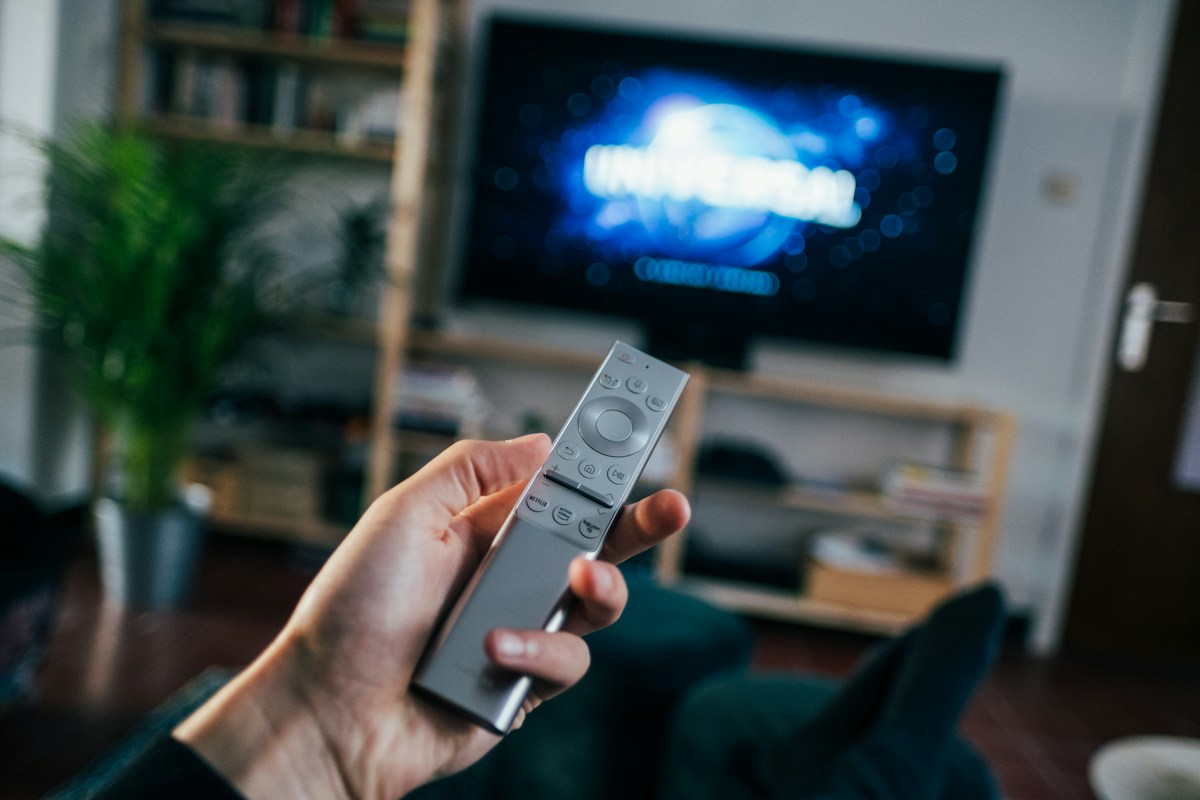
YouTube CTV Advertising in 2026: Two-Click Checkout, Google Pay, and What It Means for Attribution
YouTube connected TV advertising crossed a direct-response threshold in 2026: viewers can now complete purchases directly from their TV remote using Google Pay, without switching to a phone or laptop. Available through Google Display and Video 360 (DV360), this two-click checkout turns CTV inventory from an awareness-only channel into a measurable conversion channel. For performance marketers, the implication is significant -- CTV ad spend can now report actual transaction data, not just impressions and view-through estimates. But it also breaks standard attribution models that assume all conversions originate in a browser session.
Key takeaways
- YouTube CTV checkout enables two-click purchases via TV remote using Google Pay, live in Google Display and Video 360 as of 2026 -- CTV inventory is now a direct-response channel for eligible product types, not awareness-only.
- The checkout flow shows payment confirmation directly on the TV screen; the viewer confirms with their Google Pay PIN or biometric via a paired phone on the second click.
- CTV checkout transactions require a dedicated Google Ads or DV360 conversion action separate from web checkout conversions -- mixing them inflates web channel metrics and degrades Smart Bidding signals.
- Standard last-click attribution does not credit CTV checkout correctly: the purchase touchpoint is the TV, but subsequent device activity after the transaction often captures the attribution credit in GA4.
- CTV checkout campaigns should use Target CPA bidding with a 1-3 day conversion window -- shorter than the standard 30-day web window -- because CTV impulse purchases resolve faster than search-driven consideration journeys.
What YouTube CTV checkout changes for performance marketers
Connected TV (CTV): a television connected to the internet via built-in smart TV software or an external streaming device such as Roku, Fire TV, Apple TV, or Google TV, enabling access to streaming services and advertising-supported video content. YouTube reaches CTV viewers through its YouTube TV app and YouTube's presence on smart TV platforms.
CTV checkout: a purchase flow that allows a CTV viewer to complete a transaction directly from the TV interface, without switching devices. YouTube's implementation uses Google Pay for payment authentication and reduces the purchase to two remote control clicks, processing the transaction in a lean-back viewing context.
Until 2026, CTV YouTube campaigns served awareness and consideration goals exclusively. Viewers might see a product ad, then later search on mobile or desktop and convert -- appearing as organic or search traffic in last-click attribution, with the CTV ad receiving no credit. The brand paid for CTV impressions but had no reliable way to measure conversion contribution.
CTV checkout closes this gap for a specific purchase category: low-friction transactions where Google Pay is already set up and the viewer is ready to act. It works best for digital products, subscriptions, consumables, and time-sensitive offers where the CTV-viewing context creates impulse.
Why CTV checkout attribution differs from web-to-checkout
The ICP problem this creates for performance teams: when a viewer taps "buy" on their TV remote, the transaction registers as a DV360 conversion event. But your web analytics in GA4 shows no traffic from CTV -- because the checkout happened on TV, not in a browser session. Your Google Ads account may show the conversion, but internal dashboards show no corresponding revenue event in the normal checkout funnel.
By the YouTube CTV Checkout framework, this creates three specific attribution challenges:
Device-split attribution: CTV checkout transactions originate on TV but Google Pay authentication often involves a paired smartphone for biometric or PIN confirmation. The transaction signal comes from DV360, but the phone interaction can trigger re-attribution to mobile.
Conversion action mismatch: CTV checkout conversions require a distinct Google Ads conversion action from web checkout conversions. If you use a single "Purchase" conversion action for all channels, CTV transactions blend with web transactions and inflate web channel metrics while hiding actual CTV performance.
Bidding model mismatch: Standard YouTube campaigns bid on CPM or Target CPV. CTV checkout campaigns should bid on Target CPA or Target ROAS using the CTV-specific conversion action as the optimization signal. Running both on the same bid strategy means the algorithm cannot distinguish CTV checkout intent from standard video view intent.
The correct setup uses DV360 with a dedicated CTV conversion action, separate campaign lines for CTV checkout vs. standard YouTube, and a 1-3 day conversion window because CTV impulse purchases resolve quickly rather than following multi-day research patterns.
Prooflytics surfaces this diagnostic when YouTube Ads data and DV360 are connected: if CTV campaign impression volume is high but reported conversion events are zero or low relative to reach, the daily briefing flags conversion action configuration as the first audit step rather than creative or targeting.
Stop stitching platform exports together
Every channel in one brief — plus the memory of what each one actually drove.
14 days free · no credit card
How to set up YouTube CTV checkout campaigns
Step 1: Verify Google Pay merchant account
YouTube CTV checkout requires an active Google Pay merchant account linked to your advertising account. Confirm in Google Merchant Center that your store has Google Pay enabled as a payment method and that your product catalog is configured for Google Pay transaction processing. Without this, the checkout feature cannot activate.
Step 2: Set up DV360 for transaction tracking
CTV checkout is managed in Google Display and Video 360, not directly in the standard Google Ads interface. In DV360, create an Insertion Order targeted to CTV inventory (YouTube CTV plus Connected TV exchange inventory). Enable Store Transactions under conversion tracking in DV360 to receive the CTV checkout conversion event.
Step 3: Create a dedicated CTV conversion action
In Google Ads, create a new conversion action named "CTV Checkout" with the source set to Import from DV360. Set the conversion window to 1-3 days. Set Include in Conversions to No initially -- track it separately to understand CTV conversion rates before blending it into bidding signals for other campaigns.
Step 4: Build CTV-specific creative
CTV checkout ads require creative that communicates the offer clearly within 10-15 seconds and includes a call to action readable at TV viewing distance. Key creative requirements: large product imagery, price visible without zooming, a clear "Buy Now" Google Pay CTA, and offer framing that creates urgency appropriate to the lean-back viewing context.
Step 5: Set a separate CTV bid strategy
Once you have 30 or more CTV checkout conversions tracked, set Target CPA bidding on the CTV campaign using only the CTV conversion action as the optimization signal. Do not mix CTV checkout conversions with web checkout conversions in the same optimization target -- the intent signals and conversion windows are fundamentally different.
What to monitor in CTV checkout campaigns
- CTV conversion action count vs. DV360 transaction count: reconcile these weekly against your order management system. A consistent gap indicates a tracking setup issue, not a campaign performance problem.
- CTV CPM vs. web CPM: CTV CPMs typically run $15-30, compared to $3-8 for standard YouTube. If CTV CPA is acceptable at higher CPM, the channel is working; if CPA is unacceptable, either the product type or the offer framing is the issue.
- Conversion window length vs. actual purchase lag: pull DV360 conversion timing data to confirm whether a 1-3 day window captures the majority of CTV-driven purchases, or whether your specific product type requires a longer window.
For cross-channel CPM benchmarks including CTV ranges, see the CPM benchmarks by platform 2026 and the ChatGPT ads analysis for performance marketers for additional context on how AI-era channels are changing conversion attribution.
Bottom line
- YouTube CTV checkout via Google Pay is now live in DV360, making CTV a direct-response channel for eligible product types rather than awareness-only inventory.
- Dedicated attribution setup is required: a separate CTV conversion action, 1-3 day window, and DV360-specific tracking -- without this, CTV purchases are invisible or misattributed to other channels.
- CTV checkout requires a separate campaign line and Target CPA strategy optimized for CTV conversions, not blended with web checkout conversions.
- Creative for CTV checkout must communicate the offer and price within 15 seconds at TV viewing distance -- standard digital ad creative does not translate to CTV without resizing.
- You can read independent reviews of Prooflytics on G2 and compare it to alternatives in the marketing analytics category.
Frequently asked questions
Which Google Ads products support YouTube CTV checkout?+
YouTube CTV checkout via Google Pay is currently available in Google Display and Video 360. Standard Google Ads campaigns accessed through ads.google.com do not expose the CTV checkout configuration directly. DV360 access requires either a standalone DV360 account or a Google Marketing Platform account. Advertisers without DV360 access can run YouTube CTV campaigns through standard Google Ads but will not have the two-click Google Pay checkout feature.
What product types work best for CTV checkout?+
CTV checkout performs best for digital products (streaming subscriptions, app installs, in-app purchases), low-complexity physical goods (consumables, accessories, single-SKU products under $100), subscription replenishment where the viewer is already a customer, and time-sensitive offers where the TV viewing context creates impulse. High-consideration purchases -- electronics, furniture, B2B software -- are less suited because the TV remote is not the right interface for comparison-shopping behavior.
How do I measure the incremental impact of YouTube CTV advertising without checkout?+
For standard YouTube CTV campaigns without checkout capability, the correct measurement approach is incrementality testing -- running a geo-holdout or audience-holdout test to measure lift in branded search volume, direct site traffic, and conversion rate for the test group vs. control group. DV360 provides reach-and-frequency data that can inform holdout design. Without a holdout test, CTV awareness impact is effectively unmeasurable in standard last-click or data-driven attribution models.
What is the minimum budget for YouTube CTV advertising?+
YouTube CTV advertising via DV360 has no published minimum spend, but CTV CPMs of $15-30 mean a 1 million impression campaign requires $15,000-30,000 in budget. For CTV checkout campaigns to generate enough conversion data for Target CPA bidding optimization (30-plus transactions), budget sizing should target 500,000-1 million CTV impressions in the initial testing period. Standard Google Ads allows YouTube advertising at lower budgets but without the CTV checkout feature.
Stop stitching platform exports together
Every channel in one brief — plus the memory of what each one actually drove.
14 days free · no credit card
Continue reading

Enhanced Conversions for Google Ads: How First-Party Tracking Restores Attribution
Third-party cookie degradation causes Google Ads to undercount conversions, inflating CPL and misleading Smart Bidding. Enhanced Conversions replaces cookie-based tracking with hashed first-party signals from your own domain. Here is how it works and the four components you need to configure.
Attribution Models Compared: Which One Fits Your Business in 2026
First-touch, last-touch, linear, time decay, position-based, and data-driven attribution models each answer a different question about your marketing. The right model depends on your sales cycle length, your channel mix, and what decision you're trying to make. This guide compares each model with concrete examples, shows when each misleads, and explains why GA4 shows different attribution numbers in different reports.
Microsoft Ads UTM Auto-Tagging September 2026: What Changes for Analytics
Microsoft Advertising is changing UTM auto-tagging on September 2, 2026 to separate Search, Audience Network, Shopping, and Performance Max campaign types in Google Analytics and other analytics tools. For marketers who rely on UTM-based channel attribution, this changes how Microsoft Ads traffic appears in GA4 and what remediation is needed before the deadline.
GA4 Marketing Analytics: Connect Google Analytics 4 to Your Marketing Dashboard
The Prooflytics GA4 integration pulls sessions, conversions, and channel data into your daily briefing alongside Meta Ads and Google Ads - so cross-channel attribution reconciliation happens automatically, not manually.